What it is and the problem it solves
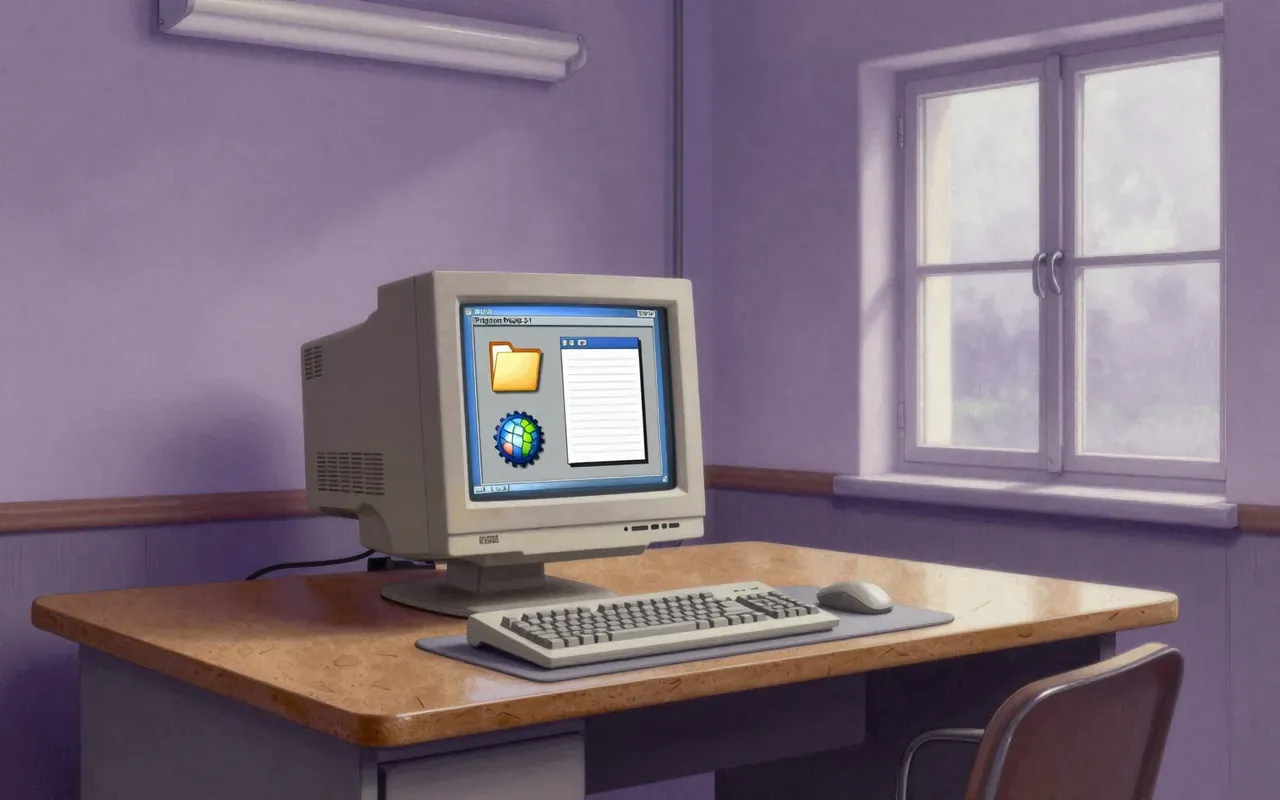
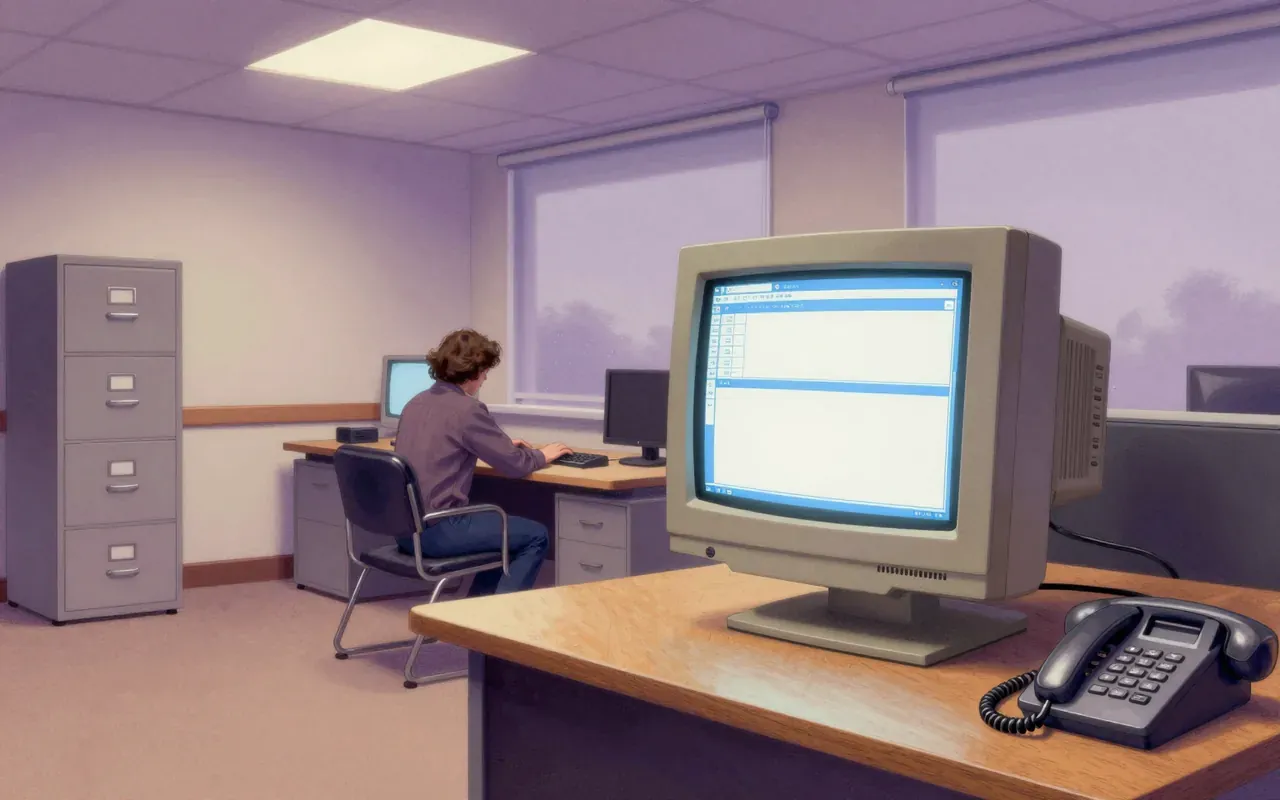
A graphical user interface shell for MS-DOS. It solves the problem of making PCs accessible to non-technical users by replacing typed commands with icons, windows, and mouse input.
How it works
Windows 1.0 runs as a graphical shell atop MS-DOS. It does not replace DOS. It extends DOS with tiled windows, mouse support, and basic multitasking of cooperative applications.
What works
Tiled windows, mouse-driven menus, and cooperative multitasking of simple applications like Notepad and Paint work reliably on compatible hardware. It delivers a consistent visual abstraction over DOS without requiring hardware abstraction layers.
What does not
Windows 1.0 does not manage hardware directly. It does not isolate applications. It does not support overlapping windows. It does not virtualise memory. It does not unify consumer and enterprise lines — that comes with XP in 2001.
What it changes
It shifts PC software development from command-line toolchains to event-driven, windowed UI patterns. It establishes Microsoft’s long-term strategy: extend DOS rather than replace it, then gradually absorb its role.
Is it worth your time
Yes — if you are tracking how GUIs became infrastructure. No — if you expect a standalone OS or modern security, memory management, or stability from the 1985 release.