technologybriefs
10:59in productionCh. 1 · What it was/ 10:59 · ceiling 15 min
Systems · Software

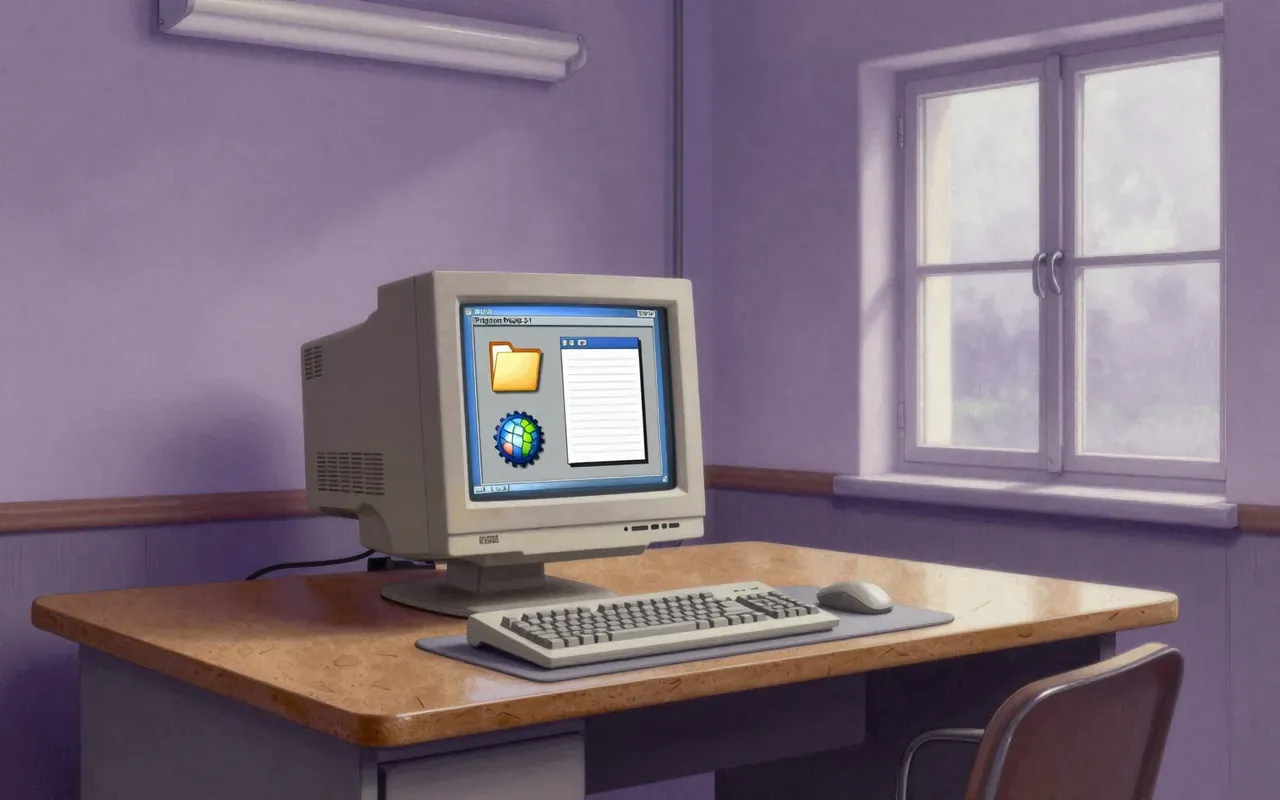
Classic Mac OS

1984

It made the GUI mainstream — then refused to evolve past its own hardware lock-in.

Classic Mac OS defined the desktop GUI era — but its ROM-dependent, extension-heavy, cooperatively multitasked architecture could not scale. It succeeded by constraining what users and developers could do. It failed when those constraints became liabilities.

Chapters & takeaways6
  1. 1:02
    What it was

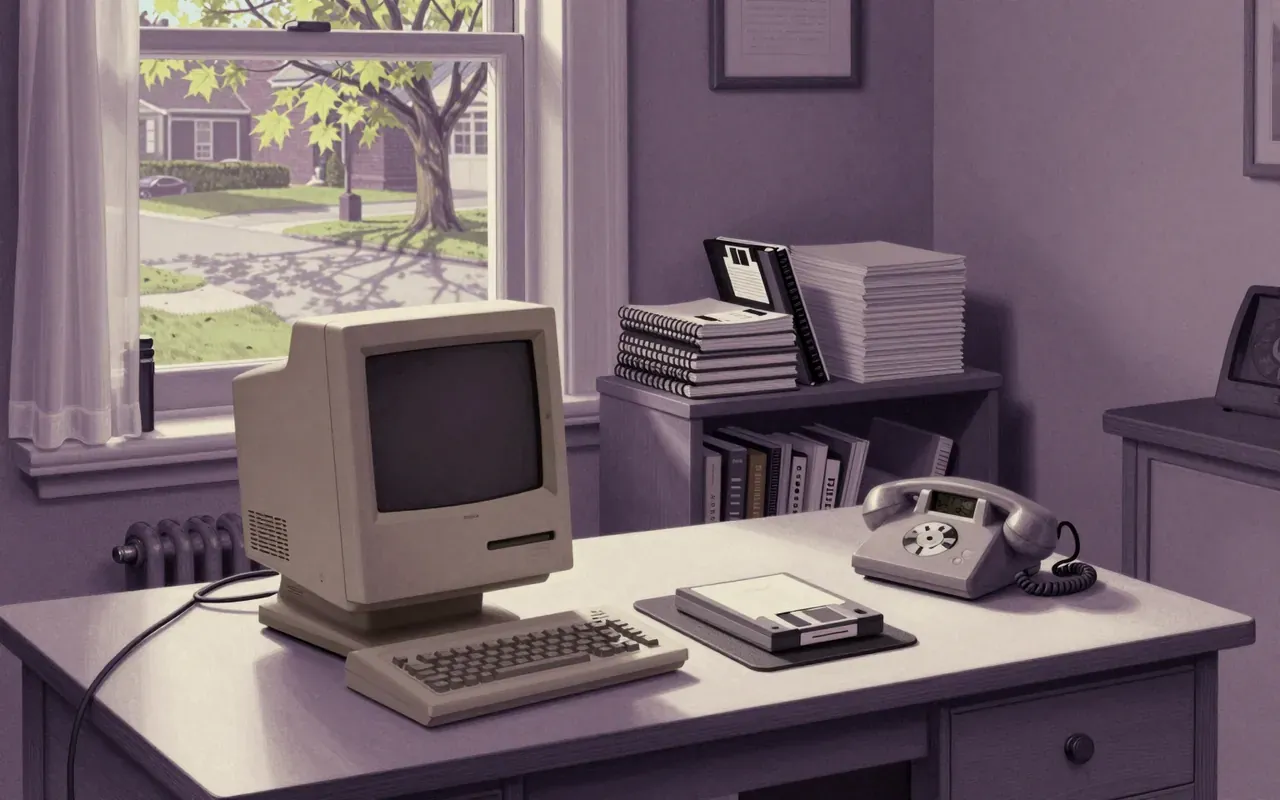
    Classic Mac OS was Apple's proprietary OS for Macintosh computers from 1984 to 2001.

  2. 2:06
    What it did first

    It popularised the graphical user interface — not invented it, but made it mainstream.

  3. 3:32
    How it faked concurrency

    MultiFinder introduced cooperative multitasking — a stopgap that masked architectural limits.

  4. 4:58
    Where it broke

    By the mid-1990s, it lacked pre-emptive multitasking and protected memory — and crashed under extension conflicts.

  5. 6:25
    Why it ended

    Apple replaced it with Mac OS X in 2001 after two failed successors and four years of rebuilding.

  6. 7:27
    What it outsourced

    Switcher and MultiFinder were extensions — not kernel features — revealing its reliance on user discipline over system control.

Worth your time?

No. The brief is enough.

3.5/ 5
What works
  • graphical boot
  • cooperative multitasking via MultiFinder
  • ROM-based error interface
  • layered window model
What does not
  • pre-emptive multitasking
  • protected memory
  • extension stability
  • memory management
Study it if
  • historians of computing
  • interface designers studying constraint-driven innovation
  • engineers analysing legacy system decay
Skip it if
  • developers building modern systems
  • security practitioners
  • cloud infrastructure teams
The written brief1 min read

What it is and the problem it solves

A proprietary operating system for Macintosh computers from 1984 to 2001. It solved the problem of making computing accessible to non-technical users through a consistent, graphical interface.

How it works

Classic Mac OS ran one application at a time until Switcher enabled multiple loaded programs on the Macintosh 512K. System 5 added MultiFinder, a cooperative multitasking extension later built into System 7 alongside virtual memory and 32-bit addressing. Core OS functions lived in motherboard ROM, enabling graphical boot and error handling.

What works

The ROM-based architecture delivered fast, reliable graphical boot and error reporting. Single-tasking simplified early development and ensured responsiveness on low-memory hardware. The layered window model in MultiFinder created the illusion of concurrent work without kernel-level scheduling.

What does not

It lacks pre-emptive multitasking and protected memory. Extension conflicts caused instability. Memory management was limited. These flaws were acute by the mid-1990s, when Windows NT, Linux, and others offered both features.

What it changes

It established the desktop GUI as a mass-market expectation. It shifted user attention from command lines to pointing, dragging, and visual feedback. It tied Apple’s identity to interface coherence — but made that coherence brittle.

Is it worth your time

No — unless you are studying how tightly coupled hardware-software design enables rapid UI innovation at the cost of long-term scalability. Its architecture is obsolete, its failure modes well-documented, and its successor was built to replace it.
Same field · Systems4 of 157
Up next in Technology

Cloud gaming

· 10:04

Cloud gaming moves the game out of your machine — but puts your reflexes at the mercy of your ISP.

10:04