What it is and the problem it solves
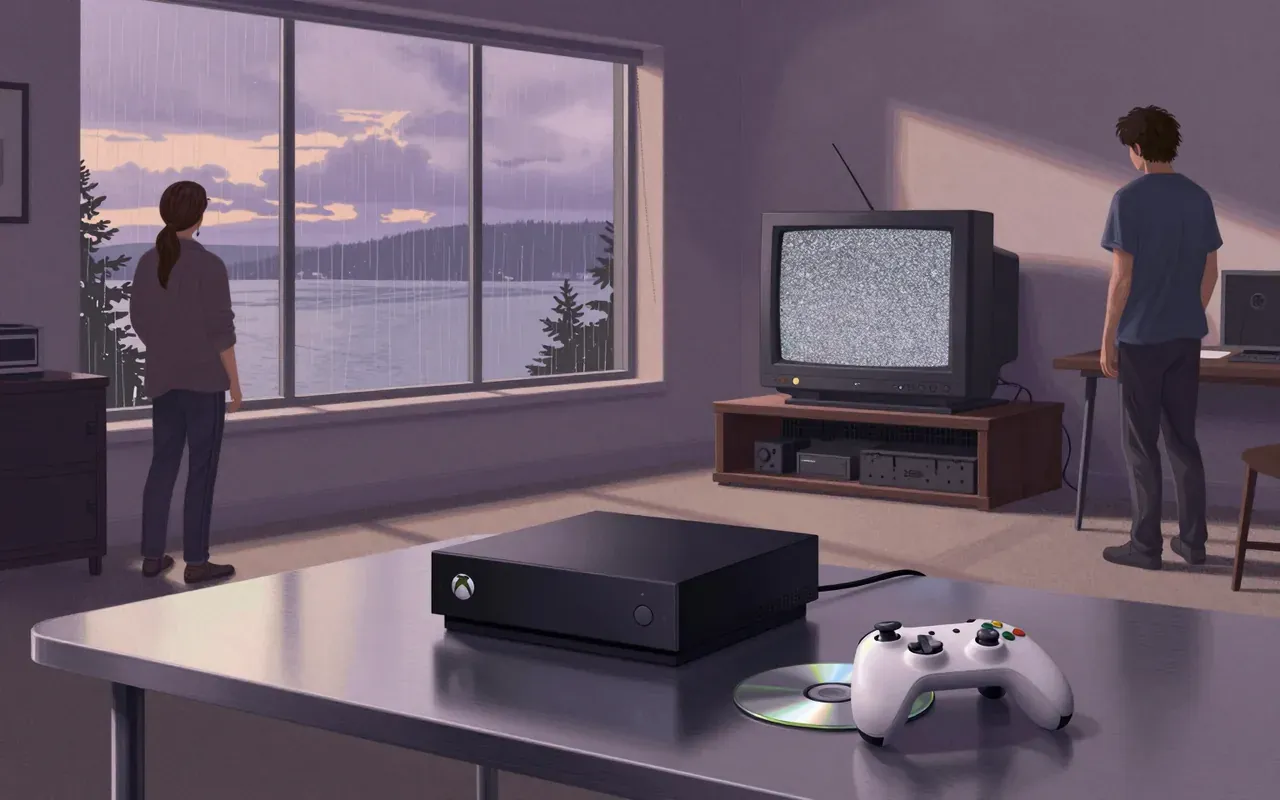
Cloud gaming solves the problem of running demanding games on underpowered devices. It does so by offloading execution to remote servers and streaming output. It does not eliminate the need for capable networks — it relocates the bottleneck.
How it works
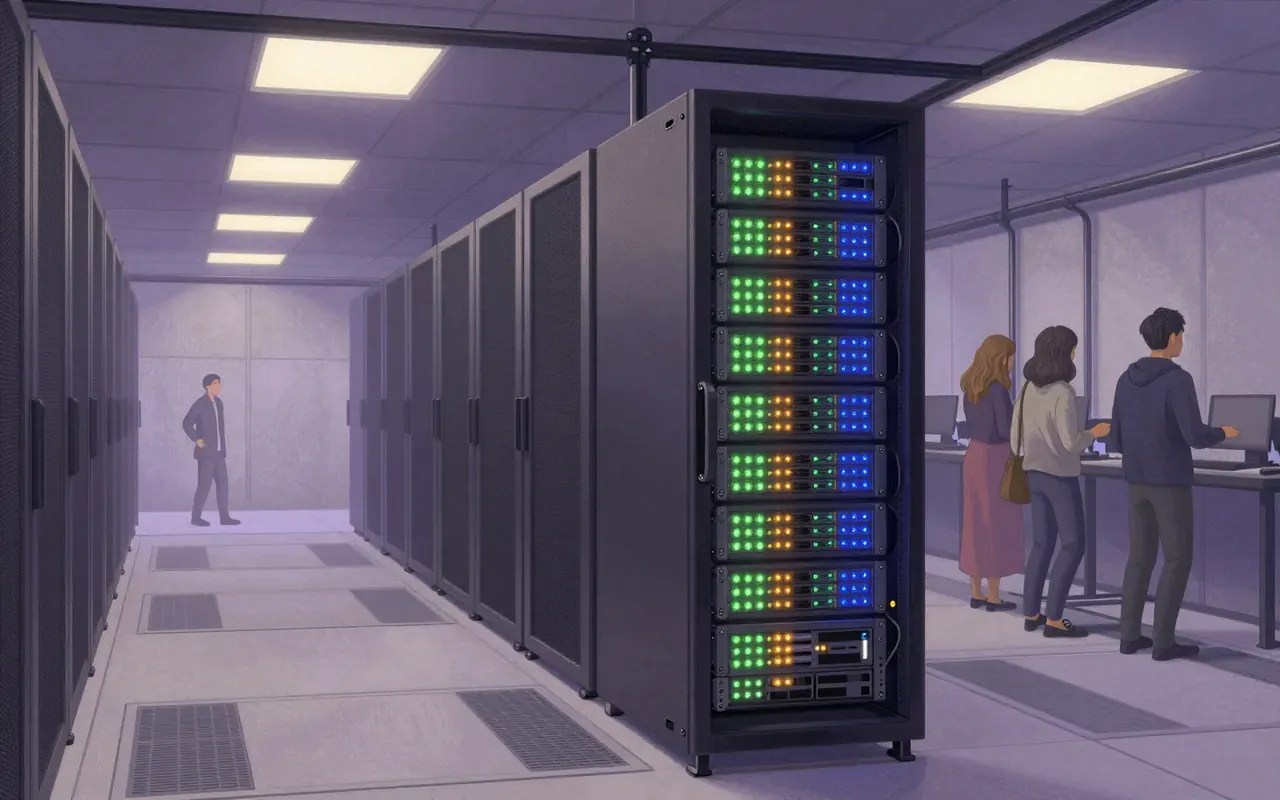
Cloud gaming runs games on remote servers. It streams video and audio output to the user’s device. Client software captures player inputs and sends them back to the server for execution. Some services use virtualised Windows environments to let users install games as if locally.
What works
Streaming video and audio output works reliably where bandwidth and latency are sufficient. Input relay via client software works. Virtualised Windows environments enable familiar installation workflows. Caching reduces latency in predictable, repeatable request patterns.
What does not
Latency cannot be eliminated. Input delay breaks precision-dependent gameplay. Traffic congestion and ISP data caps break regular usability. Caching helps but does not solve the core physics of network round-trip time.
What it changes
It shifts compute from the endpoint to the data centre. It replaces local hardware ownership with subscription-based access to remote infrastructure. It makes game libraries contingent on provider uptime and network policy — not device capability.
Is it worth your time
It is worth your time only if you have a stable, low-latency, high-bandwidth connection with no data cap — and only for games that tolerate input delay. For fast-paced titles, it remains functionally impaired.