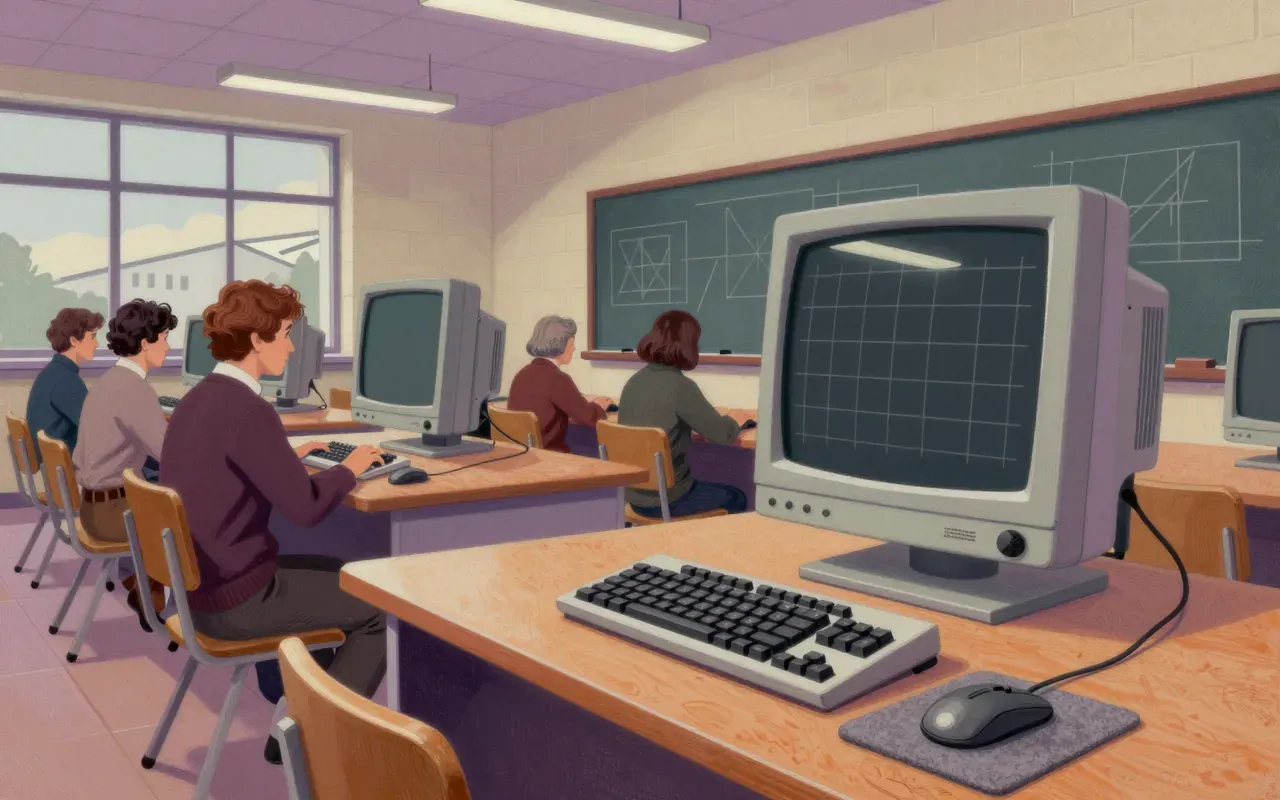
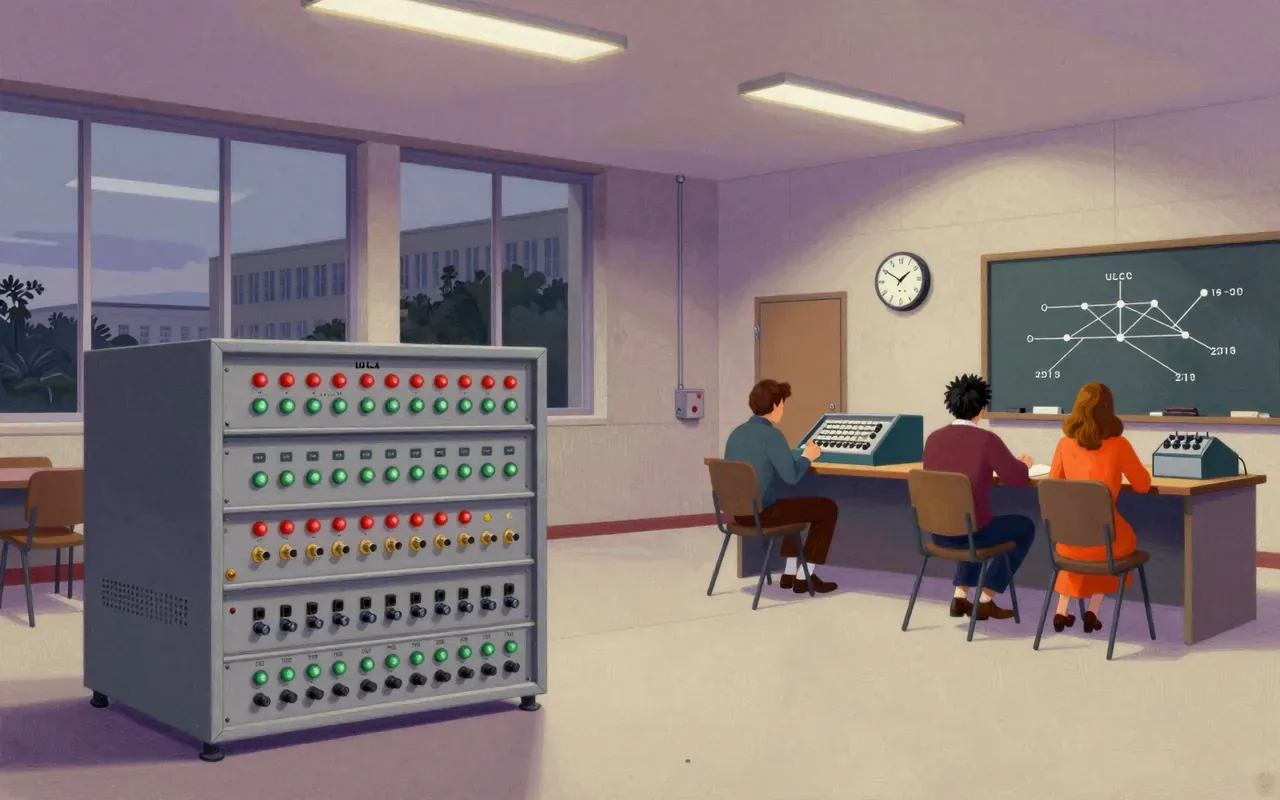
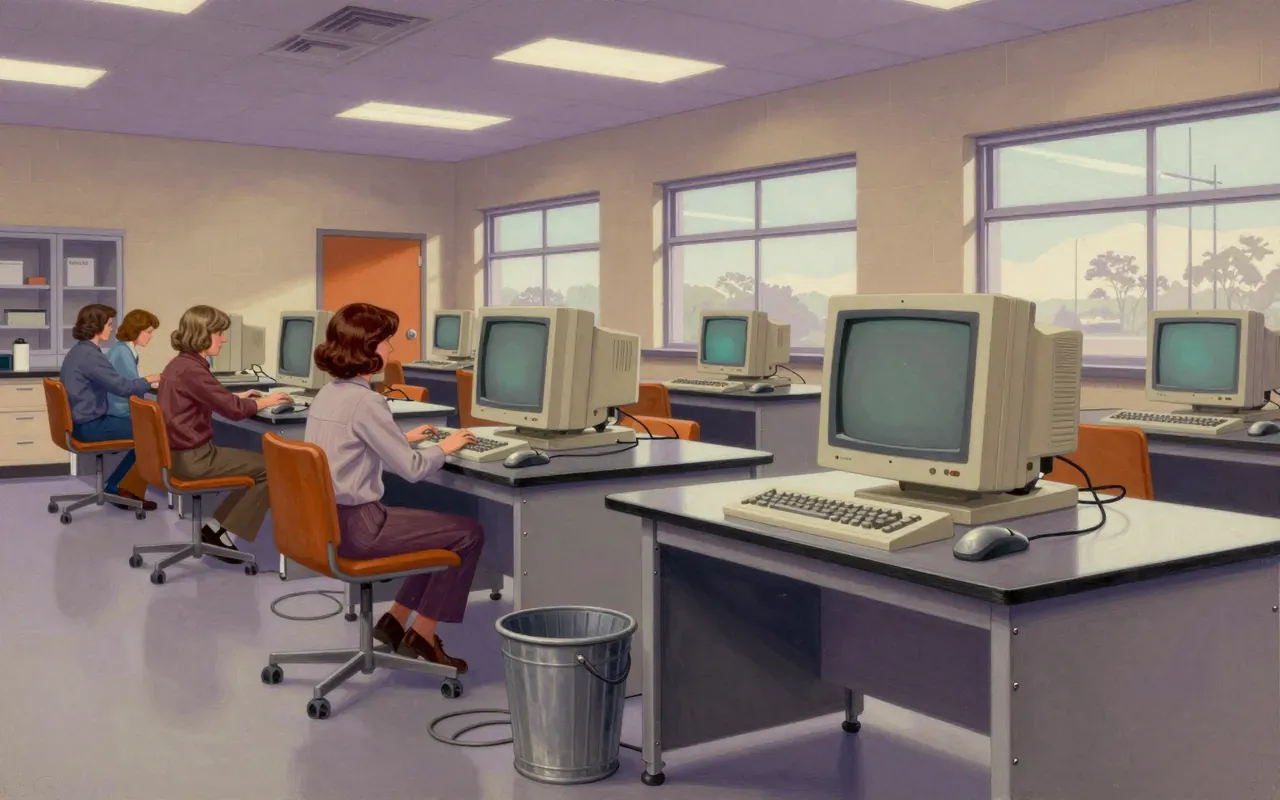
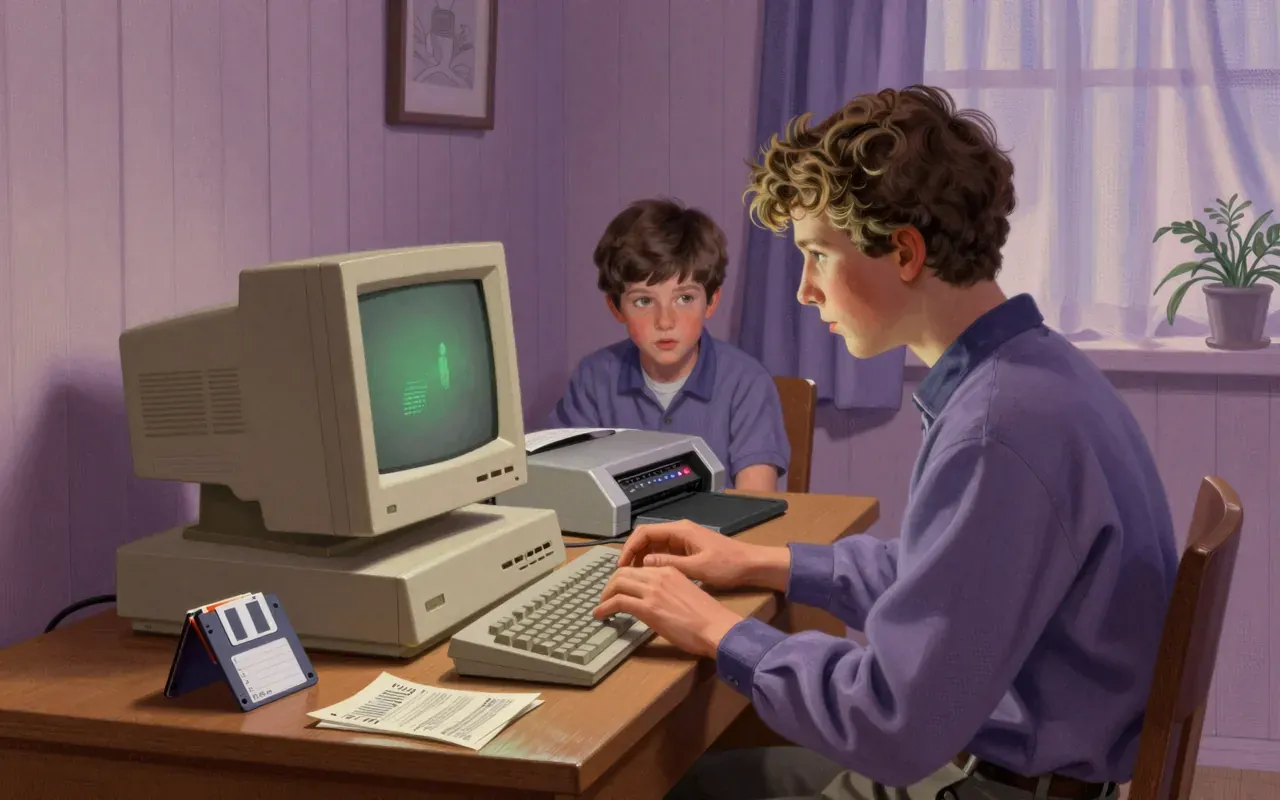
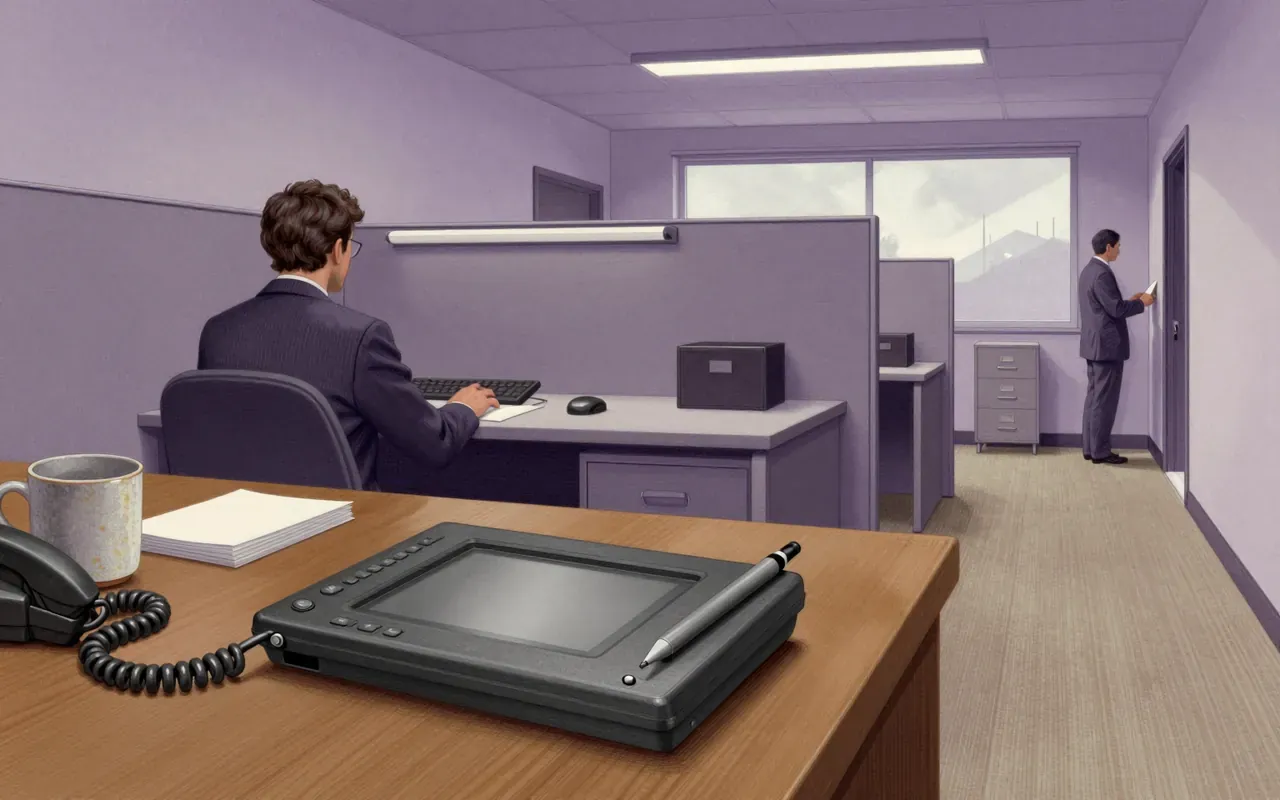
The graphical user interface (GUI) originated at Xerox PARC in 1973 as a response to the steep learning curve of command-line interfaces. It introduced windows, menus, radio buttons, check boxes, and icons—using a pointing device alongside a keyboard. The 1973 Xerox Alto was the first computer with a GUI, though it was never commercially produced. The first commercially available GUI computer was the 1979 PERQ workstation; Xerox followed in 1981 with the Star. Most modern general-purpose GUIs derive from the Alto system.
GUIs were built to fix CLI’s steep learning curve—not to make computing faster or more powerful.
2:25
How it worked
It worked by mapping actions to visual objects: windows for context, icons for things, menus for choices, pointing + keyboard for control.
3:34
First, but not launched
The 1973 Xerox Alto was the first working GUI computer—but it never shipped.
4:30
When it reached users
Commercialisation took six years: PERQ in 1979, then Xerox Star in 1981.
5:57
What it seeded
Nearly every modern GUI—from macOS to Android—traces its lineage directly to the Alto’s layout and interaction model.
2 more chaptersFewer chapters
Worth your time?
Yes. Study the whole thing.
4.5/ 5
What works
Reduces syntax memorisation
Enables spatial reasoning over command recall
Provides consistent visual grammar across applications
What does not
Solve CLI efficiency for experts
Scale without expensive hardware
Ship commercially in 1973
Study it if
Interface designers
Systems architects
Historians of computing
Skip it if
CLI power users
Embedded systems developers
Hardware cost optimisers
Who should study it, and who should skipHide who it is for
The written brief1 min read
What it is and the problem it solves
A graphical user interface is a visual operating layer built to replace command-line interfaces. It solves the steep learning curve of typed commands.
How it works
It uses windows, menus, radio buttons, check boxes, and icons. It requires a pointing device and keyboard used together.
What works
Windows, menus, icons, radio buttons, and check boxes collectively reduce the need to memorise syntax. The Alto proved this model viable in practice—not just theory.
What does not
It does not solve CLI efficiency for expert users. It does not scale without hardware cost: the Alto was never commercially produced, and the first commercial GUI machine—the 1979 PERQ—arrived six years later.
What it changes
It establishes visual abstraction as the default interface layer for general-purpose computing. It shifts interface design from command syntax to spatial cognition and direct manipulation.
Is it worth your time
Yes—if you work on systems that must be learnable by non-specialists. The Alto’s design remains the root of most general-purpose GUIs today.