technologybriefs
10:39in productionCh. 1 · The Port That Swallowed the Others/ 10:39 · ceiling 15 min
Hardware

USB

1996

USB didn’t unify computing—it outsourced the mess to software and made compatibility a moving target.

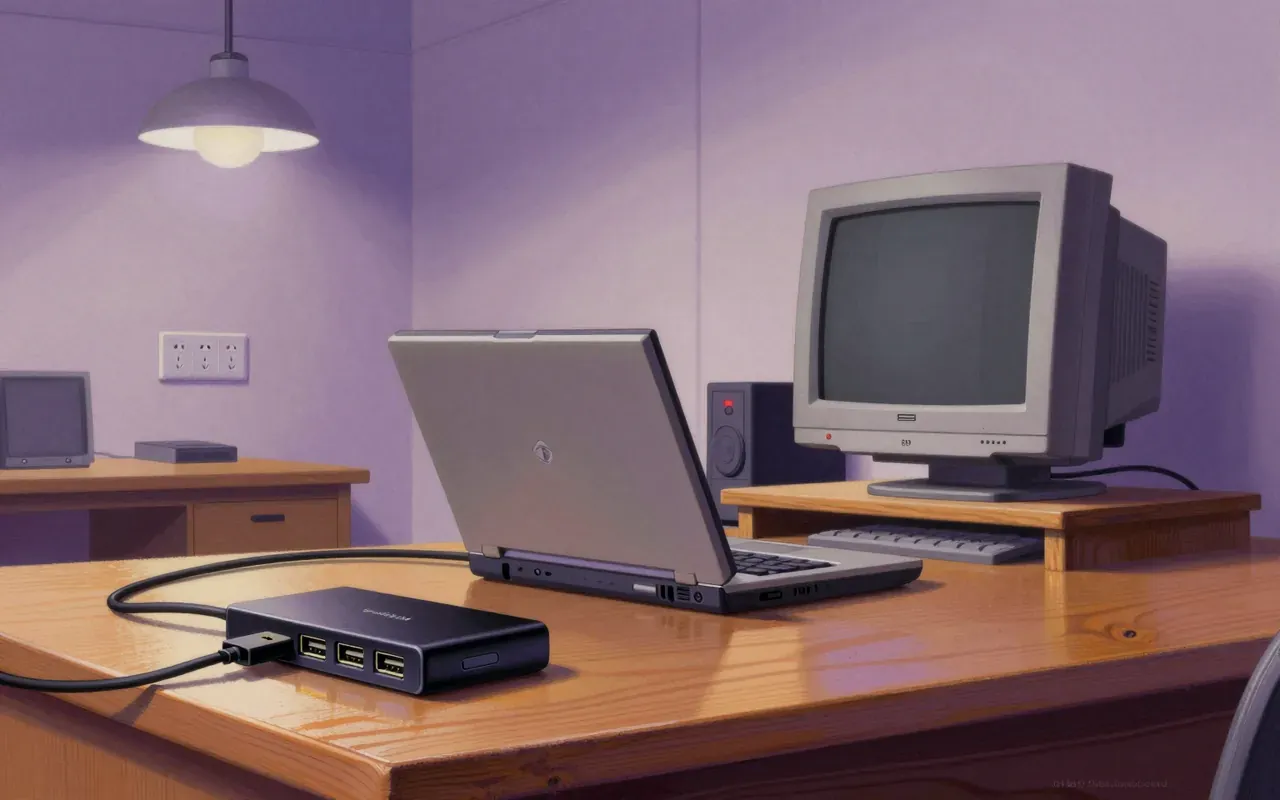
USB is a hardware interface standard introduced in 1996 to replace serial, parallel, game, and ADB ports. It delivers data and power over a shared physical layer. Its success rests on enforced interoperability—not elegance. It works reliably for keyboards, storage, and audio, but demands significant software and electrical overhead. It changed how peripherals attach—but not how they behave.

Chapters & takeaways4
  1. 1:02
    The Port That Swallowed the Others

    USB replaced five incompatible ports with one physical interface—but only by pushing complexity into drivers and firmware.

  2. 2:33
    Data + Power, Not Data *or* Power

    It was built for two jobs: moving data and delivering power—and it delivers both, but never at full speed simultaneously on early versions.

  3. 4:27
    Speed Is a Specification, Not a Guarantee

    Signalling rates jumped from 1.5 Mbit/s to 480 Mbit/s in four years—but each leap required new cables, controllers, and electrical compliance testing.

  4. 6:05
    A Consortium Standard, Not a Command Standard

    Seven companies—not one visionary—designed USB, making it a compromise architecture from day one.

Worth your time?

Yes. Study the whole thing.

4.5/ 5
What works
  • hot-plug detection and enumeration
  • interoperable low-speed HID devices
  • standardised 5 V power delivery for low-power peripherals
  • backward-compatible signalling across generations
What does not
  • eliminate driver dependencies
  • guarantee deterministic latency
  • support high-bandwidth video natively in early versions
  • remove need for vendor-specific firmware updates
Study it if
  • embedded systems engineers
  • PC peripheral designers
  • IT procurement teams
Skip it if
  • real-time audio developers needing sub-millisecond jitter control
  • industrial PLC integrators requiring hard real-time guarantees
The written brief1 min read

What it is and the problem it solves

USB is an industry standard for digital data transmission and power delivery between electronics. It solves the problem of fragmented, non-interoperable PC peripheral interfaces that required separate cables, connectors, drivers, and configuration.

How it works

USB defines a standardised architecture, physical interface, and communication protocol for connecting peripherals to computers. It uses a tiered star topology with a host controller, hubs, and devices. Data travels in packets over differential signal pairs. Power is delivered on separate conductors, up to 5 V by default.

What works

Hot-plugging works. Cable interchangeability works across compliant devices. Power delivery up to 5 V / 900 mA (USB 2.0) works for keyboards, mice, and flash drives. The layered protocol stack—transaction, transfer, and device classes—enables functional interoperability without hardware redesign.

What does not

USB does not eliminate driver complexity. It does not guarantee plug-and-play without OS-level software support. It does not solve latency-sensitive timing for audio or industrial control without additional protocols (e.g., USB Audio Class, USB Device Class Definition for MIDI).

What it changes

USB replaced five incompatible legacy ports—serial, parallel, game, ADB, and PS/2—with one physically and logically unified interface. It shifted peripheral design from bespoke cabling and custom controllers to a single specification-driven ecosystem.

Is it worth your time

Yes—if you connect peripherals to computers or design embedded systems. USB remains the dominant interface for low-to-mid bandwidth I/O, but its complexity and backward compatibility tax engineering effort and limit real-time determinism.

Same field · Hardware4 of 251
10:49
Acorn Archimedes1987The Acorn Archimedes is a 1987 British personal computer family built around Acorn’s ARM2 RISC processor. It delivers real architectural innovation — the first mass-market use of ARM — but remains tightly constrained by proprietary chipset design, limited software reach, and unverified performance claims. It proves RISC can work in desktop hardware, but fails to escape its national, institutional, and technical silo.
10:48
IBM Personal Computer XTThe IBM Personal Computer XT is a hardware-locked evolution of the original PC. It adds local storage and expansion capacity without altering performance, compatibility, or user workflow at the instruction level. Its significance lies not in innovation but in consolidation: it turns optional accessories into baseline infrastructure.
10:06
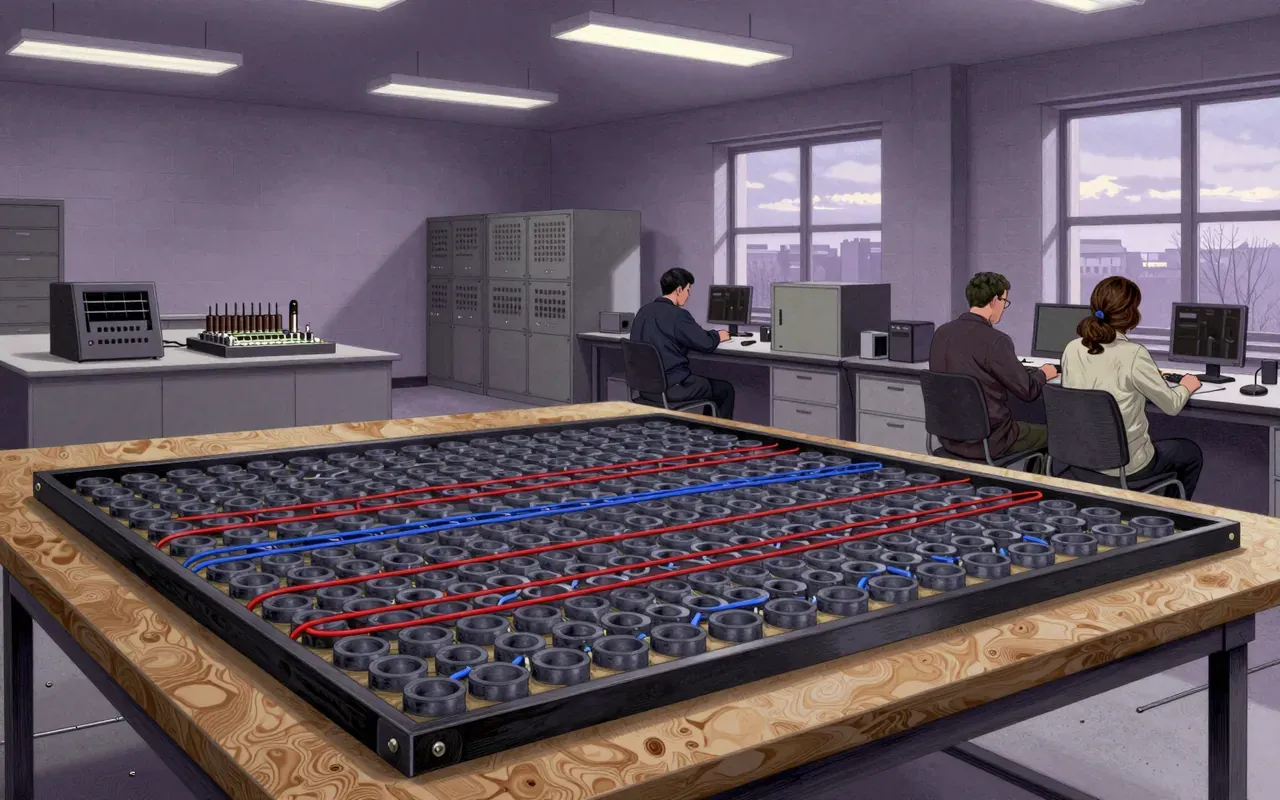
Magnetic-core memoryMagnetic-core memory is a non-volatile, random-access memory technology using ferrite toroids magnetized in one of two directions to store bits. It relies on coincident-current selection in an X-Y-wired array, destructive readout via sense-wire detection of induced pulses, and immediate rewrite. Its operation depends on the square hysteresis loop of ferrimagnetic ceramic ferrites, and it was first installed in the Whirlwind computer in summer 1953.
10:08
Blu-rayBlu-ray Disc Association · 2006Blu-ray delivered on its central promise: 1080p video on a 50 GB optical disc, using a blue laser. It beat HD DVD not through superiority but through earlier hardware shipments, studio backing, and Toshiba’s withdrawal. It did not solve physical media’s cost, fragility, or obsolescence—and never replaced streaming for most users.
Up next in Technology

VMware Workstation

1999 · 9:41

Virtual machines on your desktop aren’t magic—they’re a trade: OS flexibility for host dependency.

9:41